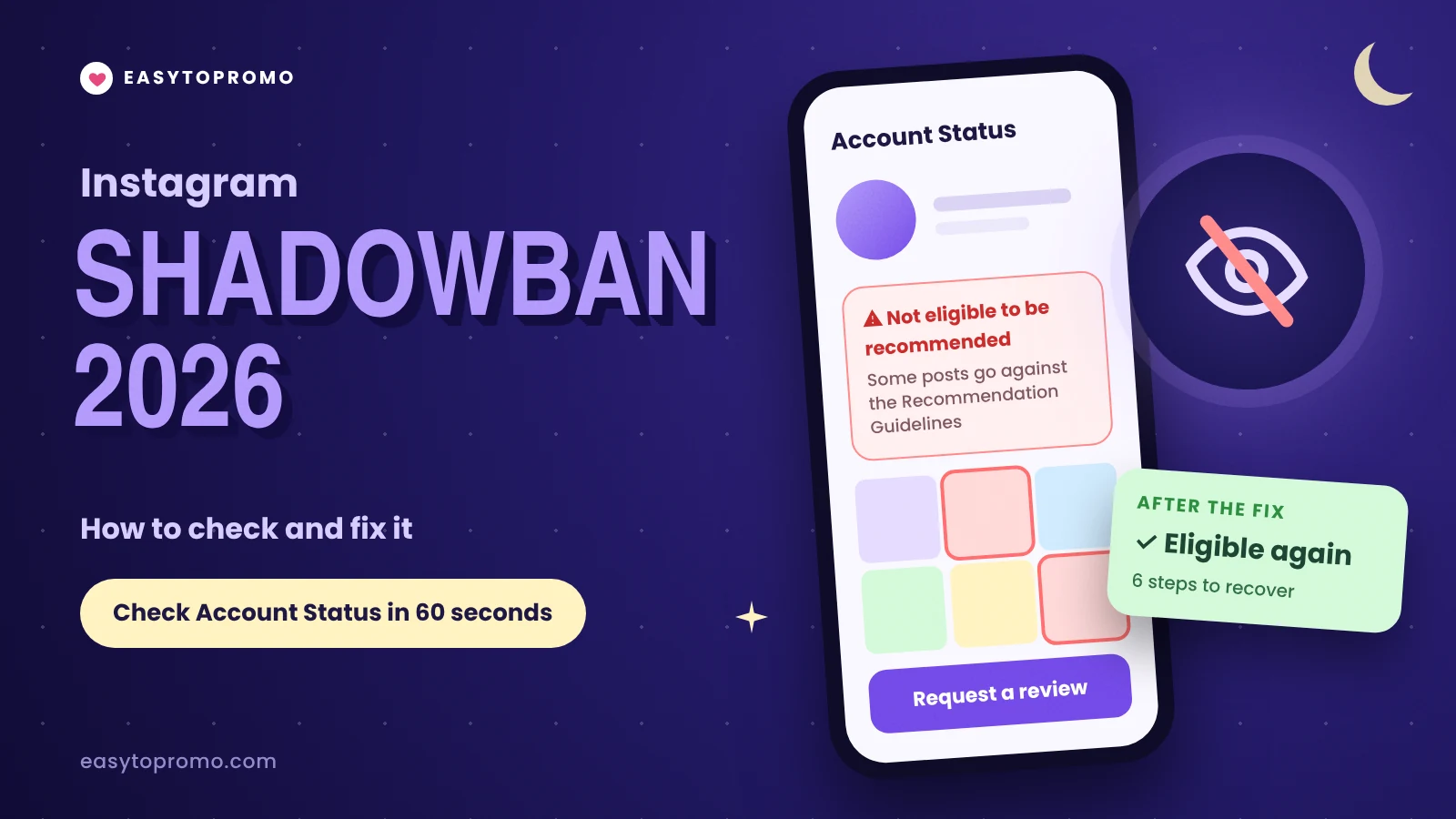
Instagram Shadowban 2026: How to Check and Fix It
Instagram does not use the word "shadowban", but limited reach is real. When your content breaks Instagram's Recommendation Guidelines, it stops being shown to people who don't follow you, while your followers still see it. As an Indian SMM panel, we often hear from creators whose reach suddenly fell. This guide shows how to check your status in 60 seconds and how to fix it.
What Instagram Actually Says
Instagram has two sets of rules, and they do different things.
What people call a shadowban is almost always the second case: content, or a whole account, that is "not eligible to be recommended". If you post such content again and again, your whole account can lose recommendations for a period of time.
How to Check If You're Shadowbanned (60 Seconds)
Instagram has a built-in tool for this, called Account Status.
Open your profile and tap the menu (three lines).
Go to Settings and activity, then Account Status.
Look at the recommendation section. It tells you whether your content is eligible to be recommended to people who don't follow you.
If it isn't, Instagram shows a sample of the posts or profile parts that caused the problem.
The recommendation check is shown to professional accounts (Creator or Business). If you have a personal account, switch to a free professional account to see it.
Account Status is the only check that comes from Instagram itself. Outside "shadowban test" websites cannot see your account's real status.
Other Signs Your Reach Is Limited
Reach from non-followers drops to almost zero in Insights, while follower reach stays normal.
New Reels get views mostly from followers, when they used to reach new people.
Your account is hard to find in Search, even when people type the exact username.
Follower growth stops although you post as usual.
One of these alone can be a normal bad week. Several together, plus a warning in Account Status, point to a real limit.
Common Causes in 2026
Borderline content
Posts can follow the Community Guidelines and still fail the stricter Recommendation Guidelines. Sexually suggestive, violent, misleading or clickbait-style posts may be shown to followers but not recommended to new people. Some health, cosmetic and supplement content is also limited.
Reposted or unoriginal content
Instagram favours original posts. Accounts that keep reposting other people's content can lose recommendations. Instagram says these accounts can become eligible again 30 days after the last time they posted unoriginal content.
Repeated guideline breaks
Posts removed for breaking Community Guidelines, especially recent or repeated ones, can make your whole account ineligible for recommendations.
Spammy behaviour
Mass following and unfollowing, copy-paste comments and sending the same DM to many people look like spam. Slow down and act like a normal user.
Apps that use your password
Instagram says apps that offer likes and followers in exchange for your login can get your account disabled. Remove access for any app you don't trust, and never share your password. A real SMM panel only needs your public username or link.
How to Fix It: 6 Steps
Check Account Status first. Note which posts or profile parts are flagged.
Delete or edit flagged posts. Removing the content that caused the problem is the fastest fix.
Appeal if you think Instagram got it wrong. You can request a review directly in Account Status.
Clean up your profile. Your bio and profile photo can also make an account ineligible.
Stop the behaviour that caused it. No reposts, no mass follows, no apps that need your password.
Post original content and wait. Recommendation limits are temporary. For unoriginal content, Instagram's own window is 30 days after your last unoriginal post.
While you wait, keep posting for your followers. Steady likes, saves and shares from real followers help your posts once recommendations return. Our guide on Instagram saves, shares and likes explains which signals matter most.
Does the Fix Always Work?
Not always quickly. In a study by the London School of Economics, 65% of creators said Account Status notices did not improve their experience, and 72% said appeals did not help.
So treat Account Status as your map, not a guarantee. Fix what it shows, keep posting original content, and give it a few weeks. For more on how ranking works now, read our Instagram algorithm update 2026 guide.
Frequently Asked Questions
Is the Instagram shadowban real?
Instagram does not call it a shadowban, but it does limit recommendations for content and accounts that break its Recommendation Guidelines. You can see this in Account Status.
How long does a shadowban last?
Instagram says "for a period of time". For unoriginal content, accounts can become eligible again 30 days after their last unoriginal post.
Can buying followers cause a shadowban?
Instagram has not said that ordering followers by username removes recommendations. It does say that apps which get followers using your login can get your account disabled. Never share your password.
Do my followers still see my posts?
Yes. Recommendation limits only affect people who don't follow you. Your followers can still see your posts in their feed.