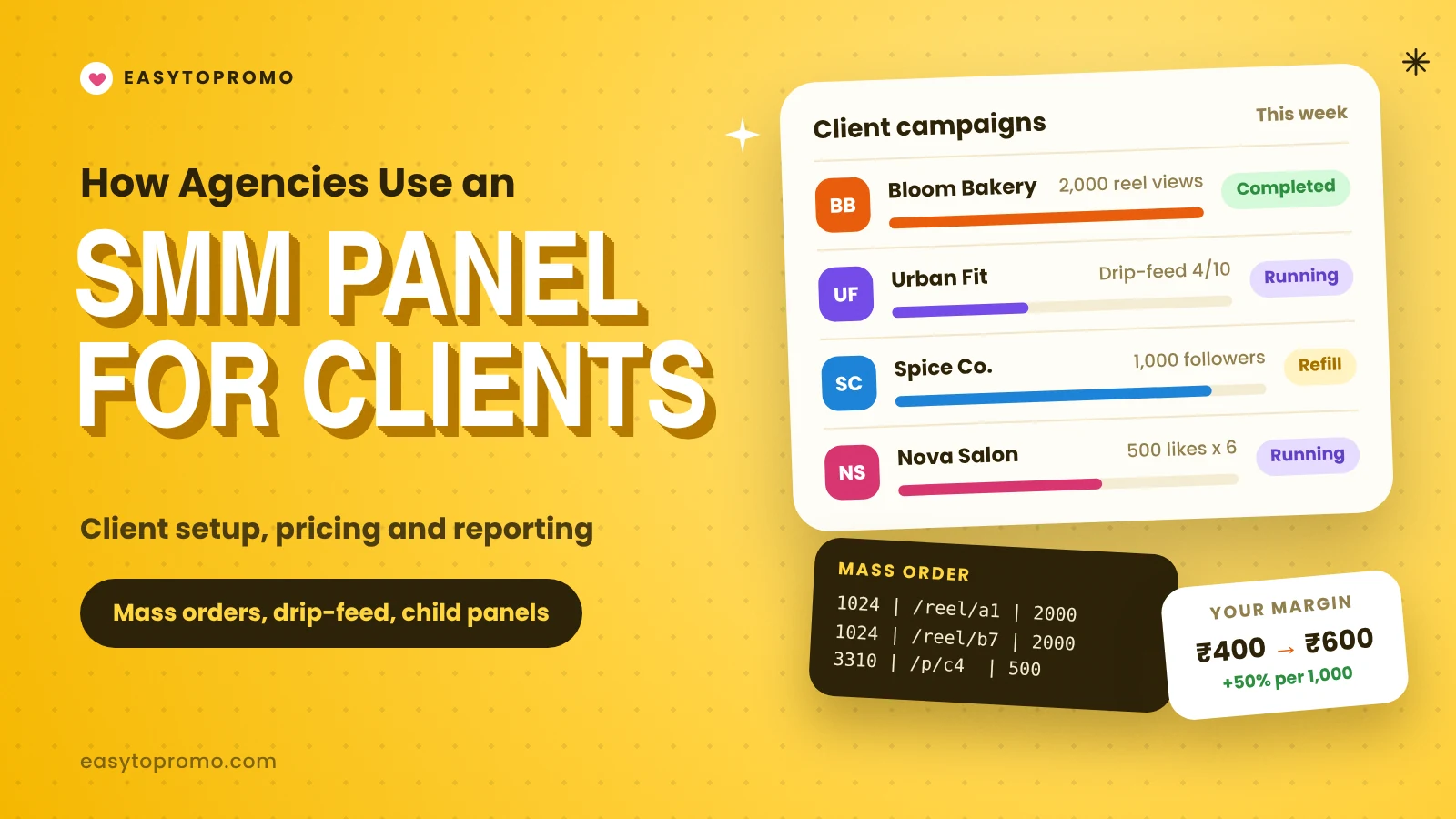
How Agencies Use an SMM Panel for Client Campaigns
A small agency can manage ten or twenty client accounts at once. Organic content, ads and community work still do most of the heavy lifting. But many agencies also use an SMM panel to give new pages a starting push, keep video views steady or support a launch. Panels like EasyToPromo let you run all of this from one dashboard and one balance.
This guide shows how agencies set up a panel workflow, price it for clients and report on it honestly.
Why Agencies Use SMM Panels
Agencies are paid for results, and the first weeks of any account are the hardest. A new page with 40 followers looks empty, even when the content is good. Visitors trust it less, and the first posts get little reach.
A panel helps in three common situations:
New accounts that need a base of followers before a campaign starts.
Launches where a video or reel needs early views so it does not look ignored.
Steady support for clients who post often and want each post to start with some engagement.
Panels do not replace strategy. They support it. An agency that sells only panel numbers will lose clients once they ask about sales.
Step 1: Set Up Each Client Properly
Before you place a single order, write down a few things for each client:
The platforms and exact profile links.
The goal for the month, such as followers, reel views or YouTube watch time.
The monthly budget for paid growth, kept separate from the ad budget.
What the client has agreed to in writing.
Keep a simple sheet with one row per order: date, client, service, quantity, cost, order ID and status. This is your record if a client asks questions later.
Step 2: Choose Services for Each Goal
Do not pick services only by price. For client work, three things matter more:
Test every new service on your own test account before you use it on a client page. One bad service on a client account can cost you the whole contract.
Step 3: Use Mass Orders and Drip-Feed
Two panel tools save agencies the most time.
Mass order lets you place many orders at once by pasting lines in a set format: service ID, link and quantity. Instead of placing 30 orders by hand for 30 posts, you paste them in one go. Our guide to the mass order feature shows the format.
Drip-feed splits one order into smaller runs over time. For example, 2,000 views delivered as 10 runs of 200, one every few hours. This looks more natural than a single burst. See how it works in our drip-feed guide.
Step 4: Connect Through the API When You Grow
Once you manage more than a handful of clients, manual orders get slow. The panel API lets your own tools place orders and check their status on their own.
A simple setup looks like this:
Your sheet or dashboard holds the list of orders for the week.
A script sends each one to the panel API.
The script checks status and saves the start count and remains.
Your report pulls these numbers in automatically.
You do not need a developer for a basic version. Our step-by-step guide on how to integrate an SMM panel API covers it.
Step 5: Consider a Child Panel for White-Label Work
Some agencies let clients place their own orders. A child panel is a ready-made panel site under your own brand, linked to a parent panel. Clients log in, add funds and order, while you set the prices.
This works well for agencies with many small clients who want to top up their own pages. It also keeps your main account balance separate from client money. Read more about what a child SMM panel is before you decide.
How to Price Panel Services for Clients
Agencies usually price panel work in one of three ways.
Cost plus margin. You add a fixed percentage on top of what you pay. If a service costs you ₹400 per 1,000 and you add 50%, the client pays ₹600. This is simple and easy to explain.
Bundled into a package. The panel cost sits inside a monthly fee, along with content and reporting. Clients see one price, not line items.
Pass-through. The client pays the exact panel cost, and you charge a separate fee for managing it. This is the most open option and builds trust with larger clients.
Whatever you choose, remember to include time for checking orders and handling refills. That work is real and should be paid.
Be Honest With Clients
This is where many agencies get into trouble. Tell clients clearly which numbers come from paid services and which come from organic growth. Never present bought followers as proof that a campaign worked.
There is a legal side too. In India, paid influencer posts must carry a clear disclosure label under the advertising self-regulation guidelines in force since 2021, and the consumer protection authority backed this up in 2023. In its 2025–26 review, the advertising council found that 97.3% of the influencer ads it checked needed changes. If your agency also runs influencer work, make sure every paid post is labelled.
One firm rule: never buy fake reviews for a client. Undisclosed paid reviews mislead buyers, and India has had a national standard against fake and deceptive online reviews since November 2022. Panel growth and fake reviews are not the same thing, and clients should never mix them up.
What to Put in Monthly Reports
A good report keeps paid and organic numbers apart. For each client, include:
Followers at the start and end of the month.
How many followers came from panel orders, with order IDs.
Organic reach and engagement from the platform's own insights.
Any drops and the refills that fixed them.
What you plan to do next month.
Clients who understand where growth came from are more likely to stay.
Common Agency Mistakes
Buying for every post. It wastes budget and makes engagement look uneven.
No test account. Testing on client pages risks the relationship.
One provider only. Keep a backup for your most used services.
Ignoring refill dates. Set reminders before each refill window closes.
Mixing client funds. Track spending per client from day one.
If you are still building your setup, read how ecommerce brands use SMM panels to see similar workflows from the brand side.
FAQ
Is it legal for an agency to use an SMM panel?
Buying engagement is not a crime in India, but it can break platform rules. Fake reviews and undisclosed paid posts are a different matter and can bring legal trouble. This is not legal advice, so check with a lawyer for your own case.
How much budget should an agency set aside?
It depends on the client. Many agencies start with a small test amount per client and grow it once results are clear. Our guide to the SMM panel minimum deposit shows how little you need to begin.
Should I tell clients I use a panel?
Yes. Being open protects you if a platform removes followers or a client compares numbers later.
Can I run several clients from one panel account?
Yes. Use clear notes and a tracking sheet, or a child panel if clients order for themselves.