SMM Panel Glossary: 60+ Terms Every Buyer Should Know
Open any SMM panel for the first time and you will see a wall of short labels: R30, HQ, Non Drop, Avg time, Partial, Drip-feed. Most panels never explain them. New buyers guess, order the wrong service, and then wonder why the result is different from what they expected.
This glossary explains more than 60 of the most common SMM panel terms in plain words. Where it helps, we use real examples from the live service list on our SMM panel India site, so you can see each term the way it actually appears.
How to Use This Glossary
The terms are grouped by when you meet them: before you order, while you place an order, while it delivers, and after it finishes. Read the group you need, or search the page for the word you saw on a service list.
One rule applies to every label below: a label is the seller's description, not a promise from Instagram, YouTube or Telegram. Platforms can remove engagement at any time, so always read the service description and start with a small order.
Basic Terms
SMM: Short for social media marketing, which means promoting a brand, creator or page on social media.
SMM panel: A website where you buy social media services, such as followers, likes, views or members, at wholesale prices. Our guide on what an SMM panel is explains how panels work behind the scenes.
Service: One product on the panel, for example "Instagram Likes" or "Telegram Members". Each service has its own price, limits and rules.
Service ID: The number that identifies a service. On our panel, "Instagram Real Followers [ 100-200k Per Day - 365 Days Refill Button ]" is ID 6709. Quote the ID when you contact support.
Category: A group of related services, such as "Instagram Followers" or "YouTube Views".
Rate per 1,000: The price for 1,000 units of a service. ID 6709 costs $1.30 per 1,000 followers, or about ₹124.
Quantity: How many units you order. An order of 500 likes at $0.20 per 1,000 costs $0.10.
Balance (or funds): The money in your panel account. Orders are paid from this balance, not charged one by one.
Terms You See When You Place an Order
Link: The web address the service is delivered to, such as a profile, post, Reel or channel. Each service needs a specific link type, and our SMM panel link guide shows the right one for every platform.
Username: Some follower services ask for the account's username instead of a full link.
Minimum order (Min): The smallest quantity a service accepts. Many services start at 10, but some start higher. ID 6703, for Indian Instagram followers, has a minimum of 100.
Maximum order (Max): The largest quantity one order can take. ID 6709 allows up to 5,000,000.
Custom comments: Comments you write yourself, one per line, which the service then posts. Random comments are written by the provider.
Mass order: A way to place many orders at once by pasting one line per order. Our guide to mass orders shows the format.
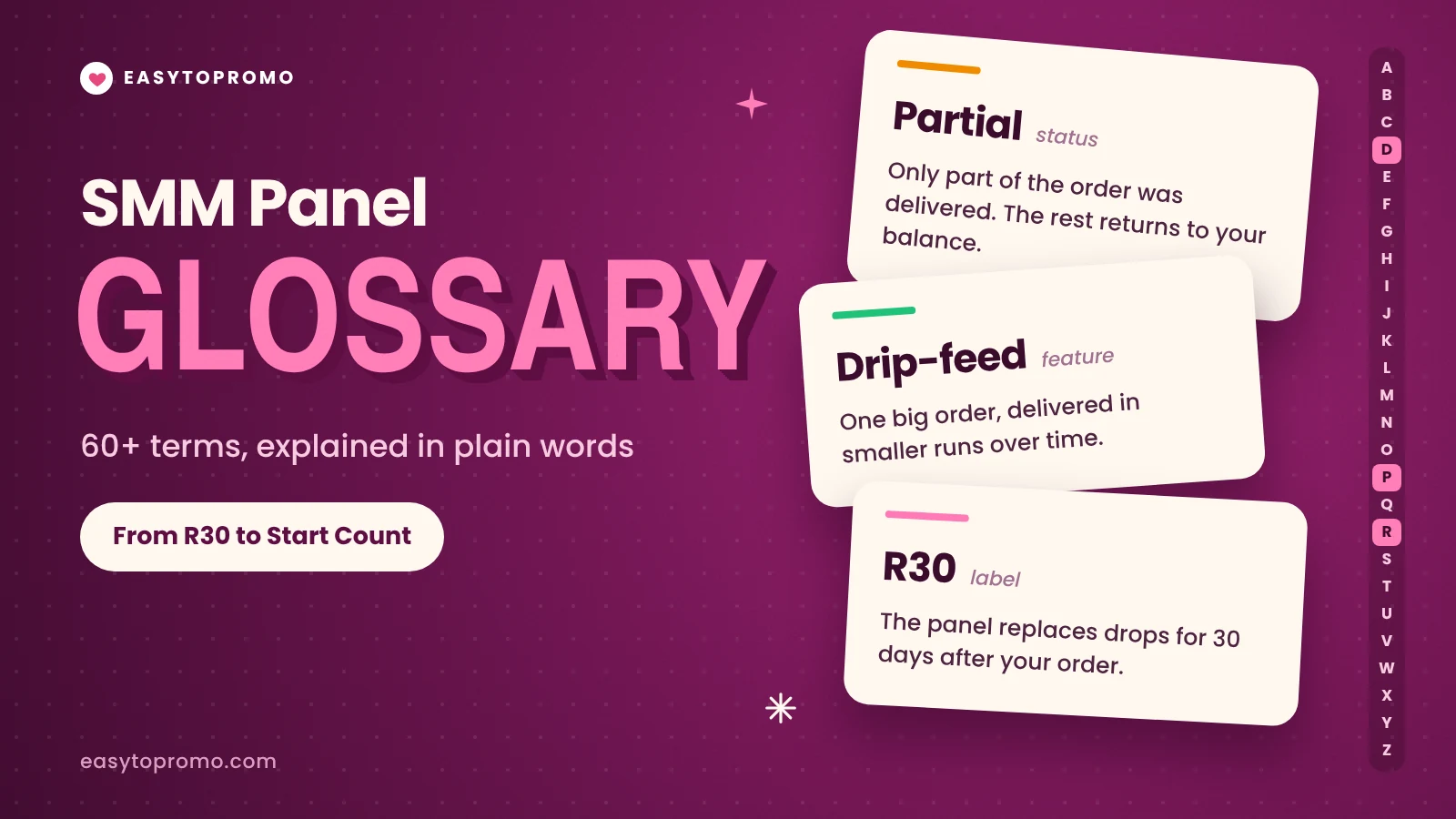
Drip-feed: Splits one big order into smaller runs delivered over time, so growth looks steady. Read more about drip-feed delivery.
Runs: In a drip-feed order, how many times a smaller batch is sent. Five runs of 200 equals 1,000 in total.
Interval: In a drip-feed order, the gap in minutes between two runs.
Order ID: The number your order gets after you place it. You need it for refills, tickets and status checks.
Delivery Terms
Start time: How soon delivery usually begins after you order. ID 6709 lists "START TIME: 0-1 Minute".
Start count: The number on your profile or post when the order begins. The panel uses it to measure how much was delivered.
Speed (per day): How many units arrive in a day once delivery starts. ID 6709 lists "SPEED: 100-200k Per Day".
Average time (Avg time): How long past orders took to complete, based on the panel's own data. At the time of writing, ID 6709 showed an average of 10 hours 11 minutes.
Instant: Delivery starts within minutes. It does not mean the whole order finishes at once.
Gradual: Delivery is spread out on purpose, usually to look more natural.
Remains: How many units are still left to deliver on an open order.
Order Statuses
Pending: The panel has received the order, but delivery has not started yet.
Processing or In progress: Delivery has started and is still running.
Completed: The full quantity has been delivered.
Partial: Only part of the order was delivered. The undelivered part is refunded to your balance.
Canceled: The order could not run, often because the link was wrong or the account was private. The amount returns to your balance.
Quality Labels
HQ (High Quality): Accounts with profile photos, names and some posts. HQ usually costs more and drops less.
MQ (Medium Quality): Between HQ and LQ in price and look.
LQ (Low Quality): Basic accounts, often without photos or posts. Cheapest, but most likely to drop.
UHQ (Ultra High Quality): The seller's top tier, with the most complete-looking accounts.
Premium: A seller label for a better tier. Read the description to see what it actually includes.
Real: The seller says the accounts look like real people. Treat it as a description, not proof that each account belongs to an active person.
Active: Accounts that also post or engage, according to the seller.
Indian or targeted: Accounts from a chosen country or region. ID 8153 lists "QUALITY: UPTO 100% Indians", which means the share can be lower than 100%.
Mix: A blend of targeted and global accounts, such as "Indian Mix".
Bot: Automated accounts with no real person behind them. Bots drop fastest.
Refill and Drop Terms
Drop: When some of the delivered followers, likes or views disappear later, usually because the platform removes fake or inactive accounts.
Drop rate: How much a service usually loses, shown as a percentage. ID 6398, for YouTube views, lists "Drop: 10-15%".
Non Drop: The seller expects little or no drop. It is an estimate, so check whether the service also has a refill.
Refill: The panel replaces lost units for free during a set period. Our guide on how refills work covers the process step by step.
Refill button: A button in your order history that asks for a refill with one click. You only see it on services that include one.
R30, R60, R365: Refill for 30, 60 or 365 days after the order.
Lifetime refill: Refill for as long as the service and the panel stay active. It is not a lifetime guarantee from the platform.
No refill: Lost units are not replaced. These services are cheaper because of that.
Auto-refill (AR): The panel tops up drops on its own, without you asking.
If you are deciding between labels, our comparison of non-drop vs drop followers shows when paying more is worth it.
Account and Payment Terms
Add funds: Putting money into your panel balance before ordering.
UPI: India's instant payment system, used by most Indian panels for adding funds. Here is how to pay for SMM services with UPI.
Refund to balance: Money from a partial or canceled order goes back to your panel balance, not to your bank.
Public account: Anyone can see the profile, so services can be delivered to it.
Private account: Only approved followers can see the posts. Most services fail on private accounts, so switch to public before ordering.
Ticket: A support message tied to an order, used for refills, delays or wrong links.
Reseller and API Terms
Reseller: Someone who buys services from a panel and sells them to their own clients at a higher price.
API: A connection that lets software place and track orders automatically. Developers can start with our SMM panel API quickstart.
API key: The private code that identifies your account when your software talks to the panel. Never share it publicly.
Child panel: Your own branded panel that buys from a bigger panel in the background. Our guide on child panels explains the setup.
Main provider: The panel or supplier that actually delivers a service. Many panels resell from main providers.
Markup: The extra amount a reseller adds on top of the wholesale price.
Service sync: When a reseller's panel copies new prices and services from its provider automatically.
Status check: An API request that shows whether an order is pending, in progress, partial or completed.
Frequently Asked Questions
What does R30 mean in an SMM panel?
R30 means the service includes a 30-day refill. If followers or likes drop within 30 days of your order, you can ask the panel to replace them for free.
Is "Non Drop" the same as a guarantee?
No. Non Drop means the seller expects very little loss. Platforms can still remove accounts, so a refill period is your real protection.
What is the difference between start time and average time?
Start time is how soon delivery begins. Average time is how long past orders took to finish completely. A service can start in minutes but still take several hours to complete.
Why was my order marked partial?
The panel could deliver only part of the quantity. The rest is refunded to your balance, and you can place a new order for the difference.
Where do I find these labels on a service?
In the service name and its description on the services list. Our guide on how to read a service listing walks through real examples line by line.